MobiOffice APK for Android – Complete Guide for Users in Pakistan
Today
191 MB
4.1
Android 5.0+
563
Description
What is MobiOffice for Android?
MobiOffice is a powerful mobile office application for Android users to create, edit, and manage documents directly on their phones.
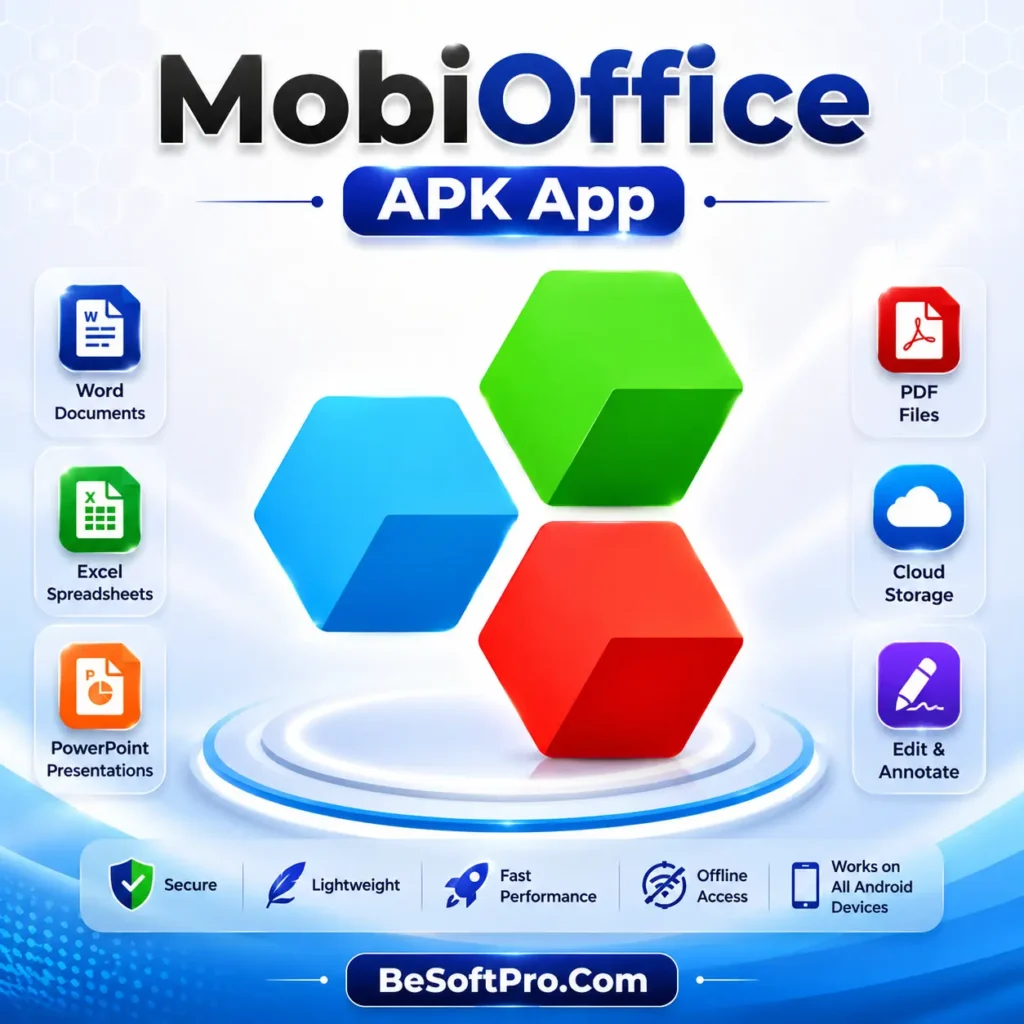
It works as an all-in-one office suite, meaning users can handle:
- Word documents
- Excel spreadsheets
- PowerPoint presentations
- PDF files
Instead of installing separate apps for each task, MobiOffice combines everything into a single lightweight application.
Is MobiOffice Available for Android Phones?
Yes, MobiOffice is fully available on Android devices. You can download it from official sources like the Google Play Store and install it easily on most smartphones.
It supports:
- Android phones
- Android tablets
It works smoothly on most modern devices, especially those running Android 5.0 or higher.
Key Features of MobiOffice Android App
MobiOffice is not just a simple document viewer. It is a complete productivity tool.
Word Document Editor
Users can create and edit DOC and DOCX files easily. It supports formatting, fonts, tables, and images.
Excel Spreadsheet Tool
You can open and manage Excel files, use formulas, create charts, and handle data smoothly.
PowerPoint Presentation Support
It allows users to create and edit slides for school, business, and personal use.
PDF Reader and Editor
Users can view, sign, and annotate PDF files directly from their Android phones.
Cloud Storage Integration
It connects with:
- Google Drive
- OneDrive
- Dropbox
- MobiDrive
This helps users access files anytime, anywhere.
Offline Mode
One of the strongest features is offline access, which allows users to work without an internet connection.
Lightweight Performance
Even on mid-range Android phones, the app runs smoothly without heavy lag.
Why Pakistani Users Prefer MobiOffice
Many users in Pakistan prefer MobiOffice APK because it is:
- Easy to use
- Lightweight
- Free to download (basic version)
- Compatible with Microsoft Office files
- Useful for students and office workers
Students often use it for assignments, while professionals use it for reports and business documents.
How to Download MobiOffice for Android
To install MobiOffice:
- Open Google Play Store
- Search “MobiOffice”
- Tap Install
- Wait for download completion
- Open the app and start using it
Always download from official sources to avoid modified or unsafe versions.
Is MobiOffice Safe for Android?
Yes, the official MobiOffice app by MobiSystems is safe to use when downloaded from trusted platforms like Google Play.
However, users should:
- Avoid cracked APK files
- Keep the app updated
- Use strong passwords for cloud storage
- Avoid downloading from unknown websites
Advantages of MobiOffice
- All-in-one office suite
- Easy interface
- Works offline
- Supports multiple file formats
- Good for students and professionals
Why Should I Use MobiOffice APK App?
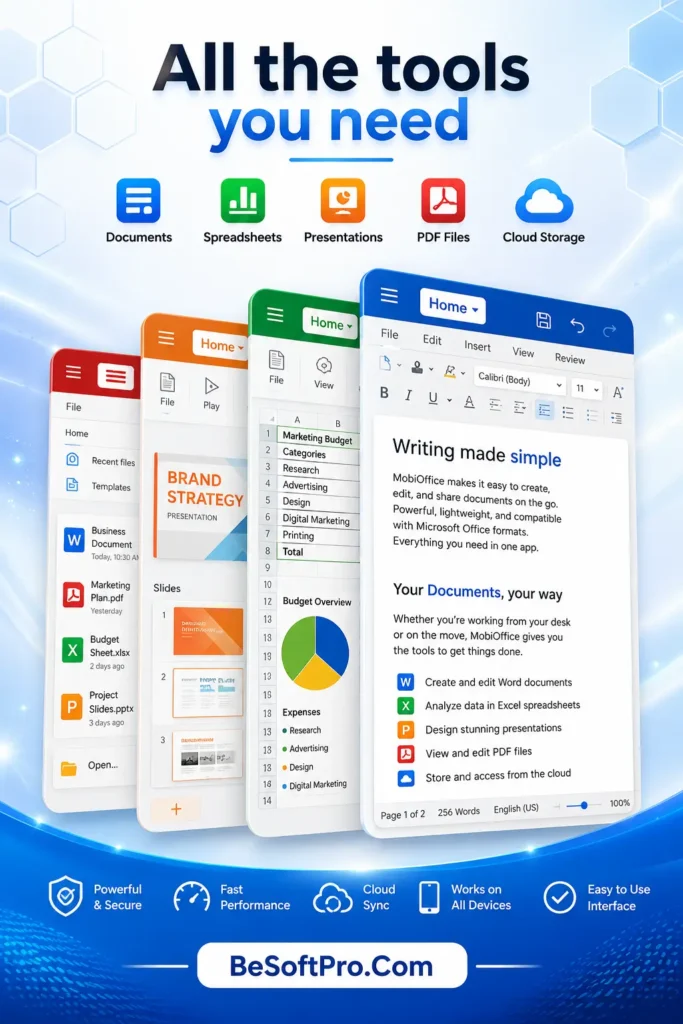
There are many office apps available for Android, but MobiOffice stands out because it combines multiple productivity tools into one application. Instead of installing separate apps for Word documents, Excel spreadsheets, PDF files, and presentations, you can manage everything from a single place.
MobiOffice is also lightweight, easy to use, and suitable for students, office workers, freelancers, and business owners. Whether you need to edit assignments, prepare reports, or review PDF files, the app helps you complete your work quickly and efficiently.
Some of the biggest reasons to use MobiOffice include:
- All-in-one office solution
- Easy and beginner-friendly interface
- Works both online and offline
- Supports Microsoft Office file formats
- Secure cloud storage integration
- Fast performance on most Android devices
If you regularly work with documents on your smartphone, MobiOffice can save both time and storage space.
MobiOffice APK System Requirements
Before downloading MobiOffice for Android, make sure your device meets the basic requirements for smooth performance.
Minimum Requirements:
- Android 5.0 or later
- At least 2 GB RAM (4 GB recommended)
- Around 150 MB of free storage
- Internet connection for cloud syncing and updates
MobiOffice runs well on most modern Android phones and tablets. Devices with higher RAM and faster processors will provide an even smoother experience when working with large documents and presentations.
Conclusion
MobiOffice is one of the best Android office apps available today. It provides everything needed for document editing, spreadsheet management, presentations, and PDF handling in one place.
For Pakistani users, it is especially useful for:
- Study work
- Office tasks
- Freelancing documents
- Business reporting
If you need a reliable mobile office solution, MobiOffice for Android is definitely worth using.
MobiOffice proves that you don’t need a laptop for basic office work anymore. With just an Android phone, you can handle almost every document-related task. It is simple, powerful, and widely trusted, making it a strong choice for students, professionals, and everyday users in Pakistan.
Frequently Asked Questions (FAQs)
Is MobiOffice free for Android?
Yes. MobiOffice offers a free version with essential document editing features. However, some advanced tools are available only through a premium subscription.
Can I edit Microsoft Word files in MobiOffice?
Yes. MobiOffice supports DOC and DOCX files, allowing you to create, edit, and save Microsoft Word documents.
Does MobiOffice work without an internet connection?
Yes. You can open, edit, and save documents offline. An internet connection is only needed for cloud storage synchronization and online features.
Is MobiOffice better than Google Docs?
Both apps are excellent, but they serve different needs. MobiOffice offers a more complete office suite with support for Word, Excel, PowerPoint, and PDF files in one app, while Google Docs focuses mainly on cloud-based document collaboration.
Can I use MobiOffice on Android tablets?
Yes. MobiOffice is fully compatible with both Android smartphones and tablets, providing a larger workspace on bigger screens.
Download links
How to install MobiOffice APK for Android – Complete Guide for Users in Pakistan APK?
1. Tap the downloaded MobiOffice APK for Android – Complete Guide for Users in Pakistan APK file.
2. Touch install.
3. Follow the steps on the screen.